 ClaudioStat
Your Claude usage, on your lock screen and your wrist
How much of your Claude plan you have used, and whether you are going too fast, at a glance. Like the ClaudioStat menu bar app on the Mac, with only your phone.
- iPhone
- Apple Watch
- Android
- Wear OS
Session, week and Fable limits, when each resets, and your pace against the budget that lasts until the week is over.
A home project
ClaudioStat for phones and watches is a personal project. It will never be on the App Store or Google Play: they only accept apps that use another company's service with that company's permission, and this one doesn't have Anthropic's. It was made to see what is possible, and as a portfolio piece.
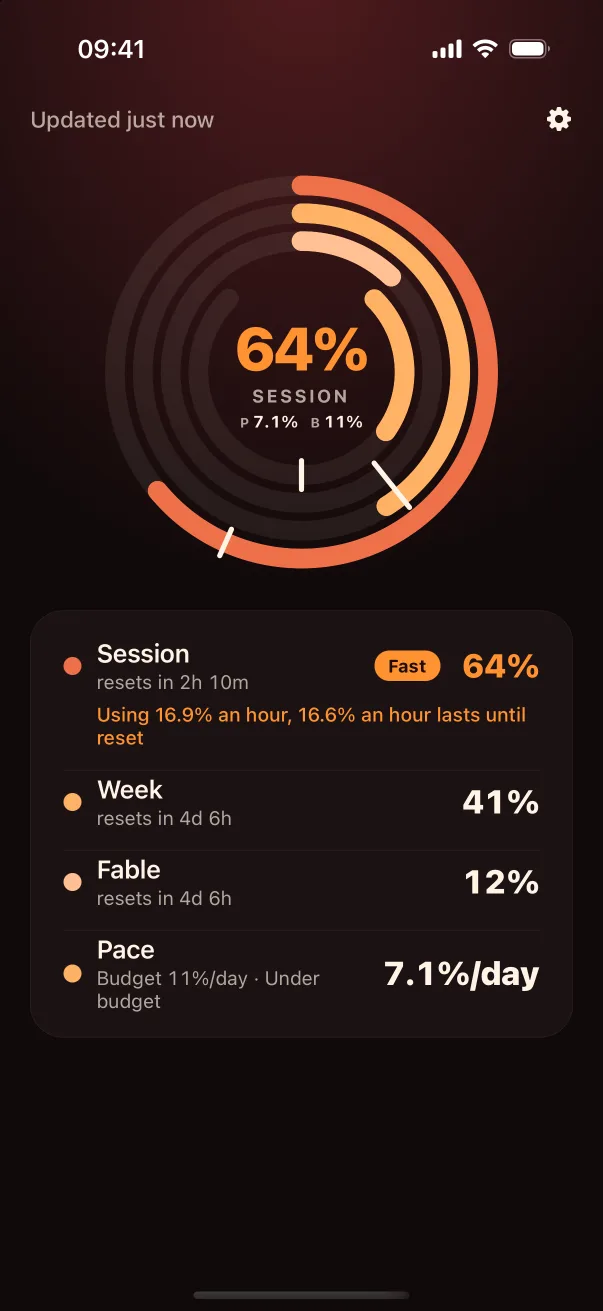
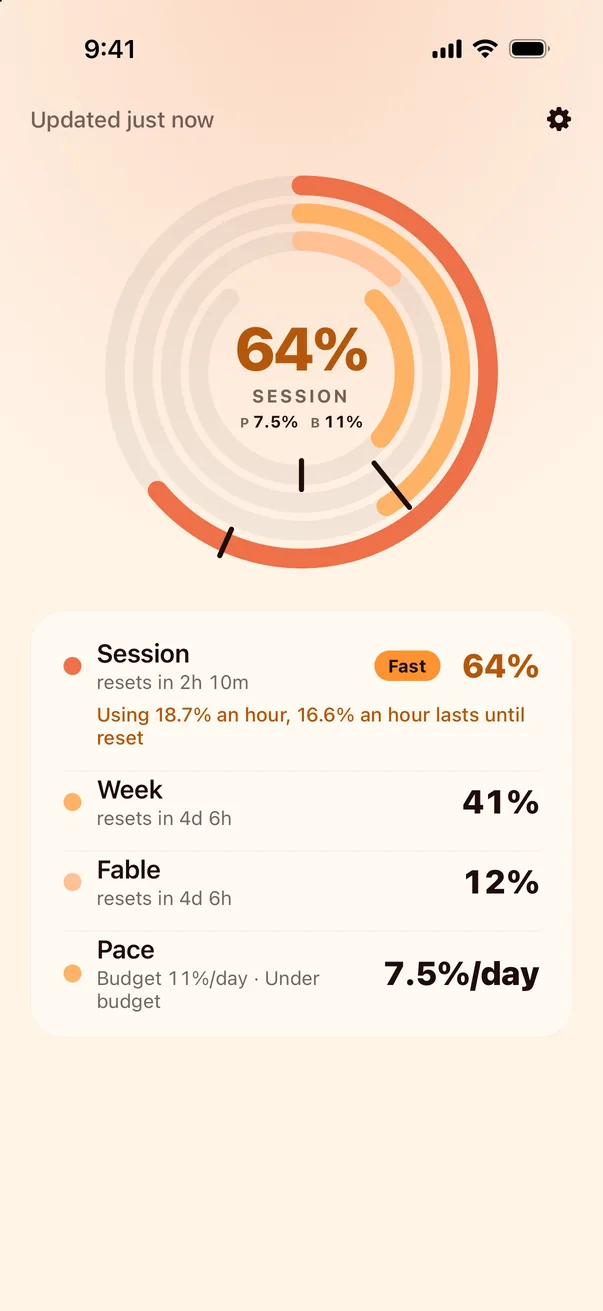
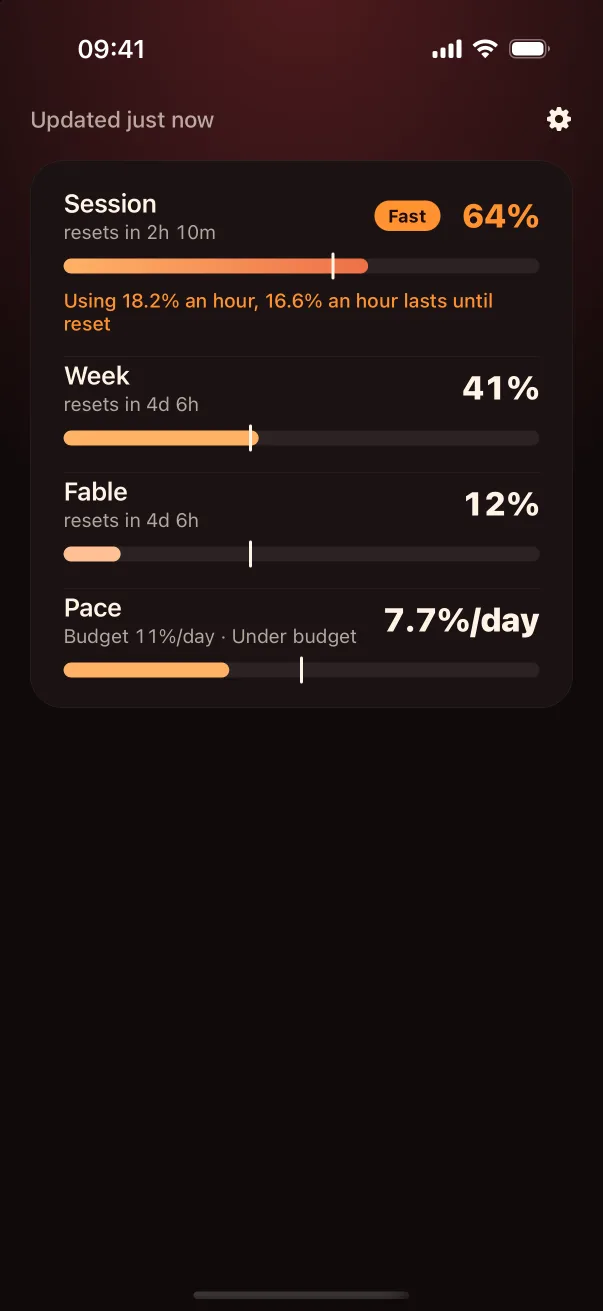
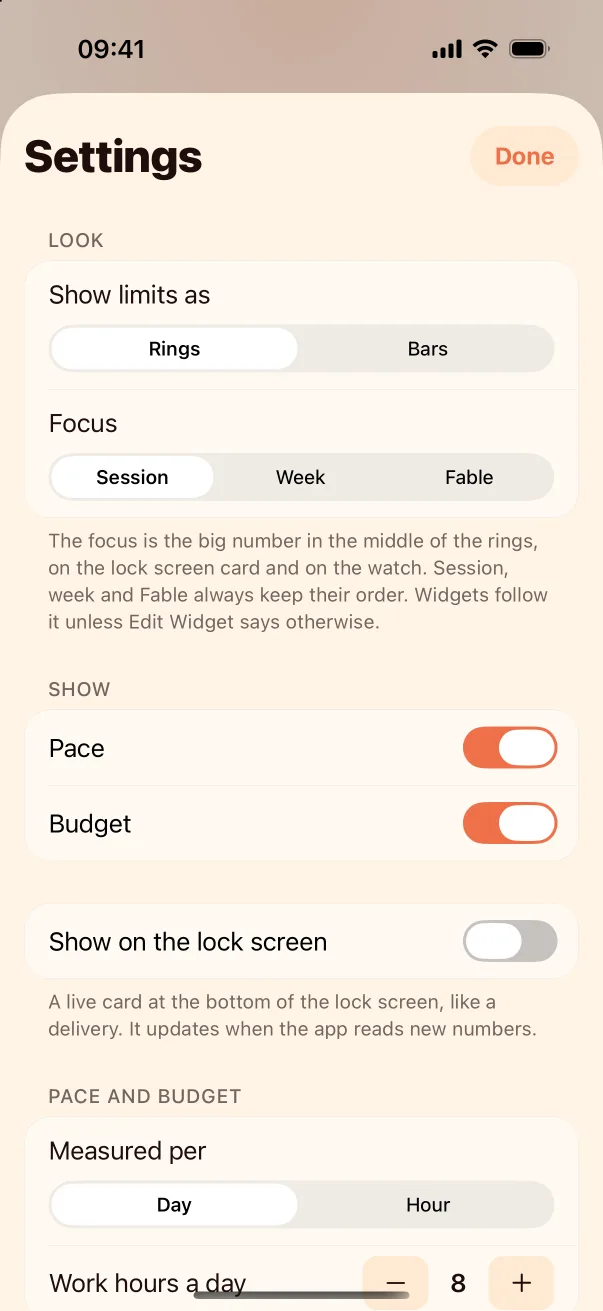
Rings or bars, your pick
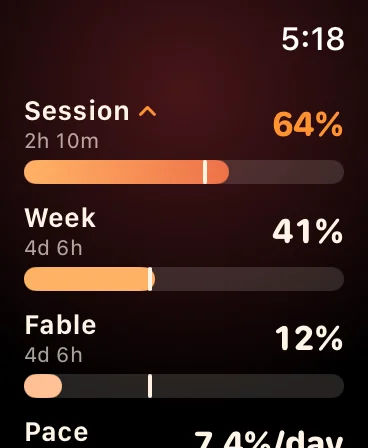
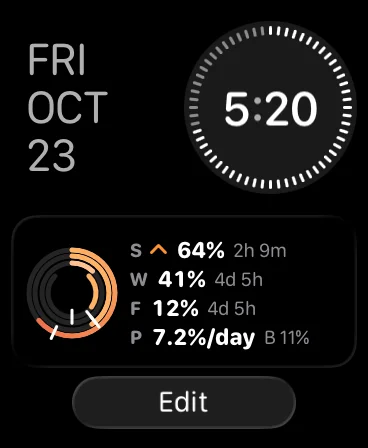
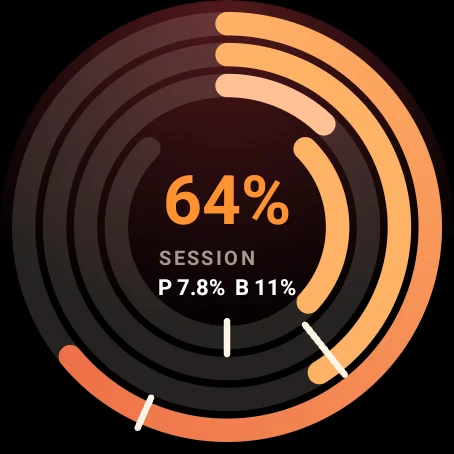
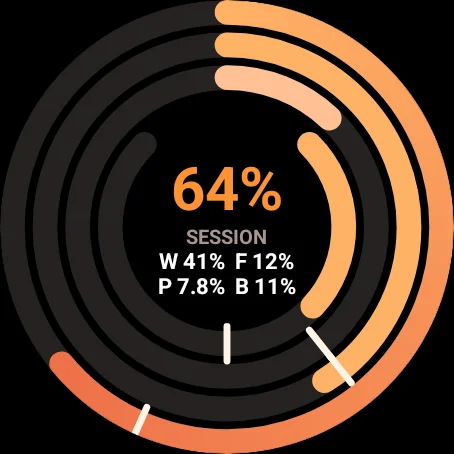
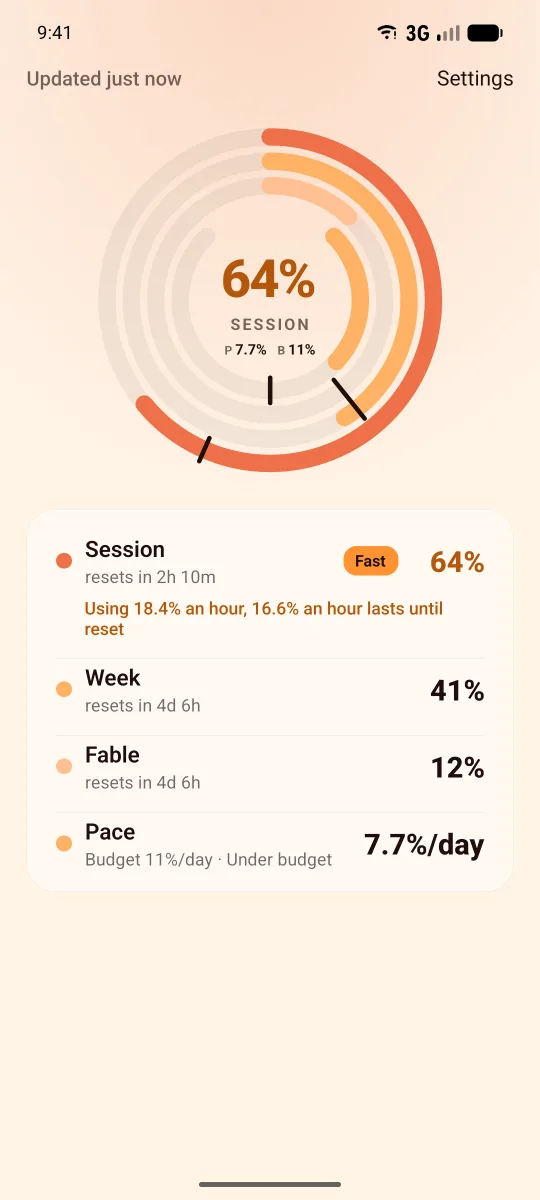
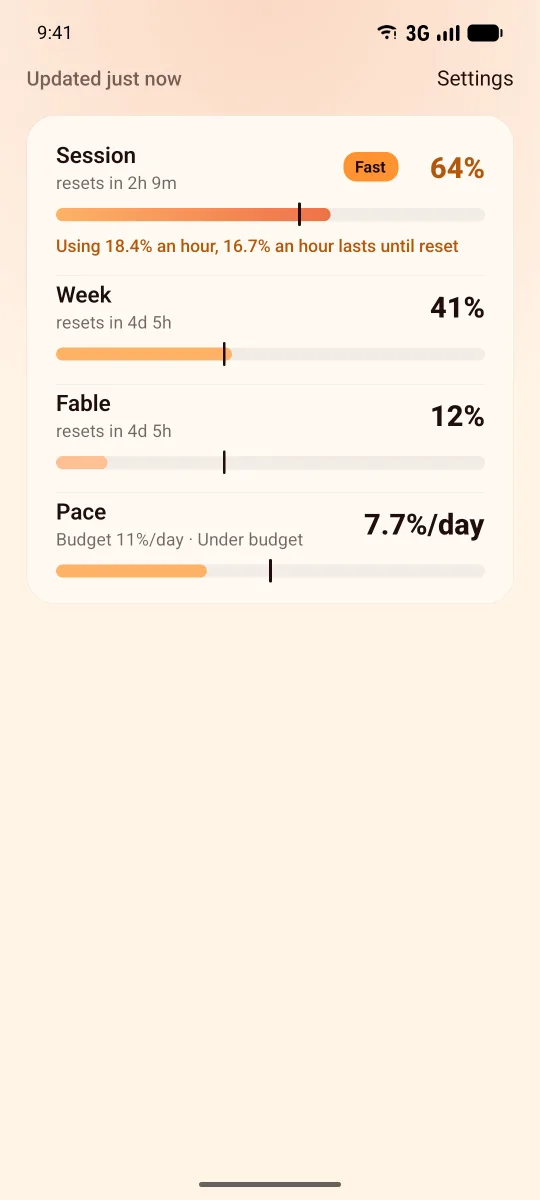
Each limit fills toward 100%. The white mark shows how much of its time has passed: a fill ahead of the mark means you are using it faster than it lasts. Orange when you are too fast, red when much too fast.
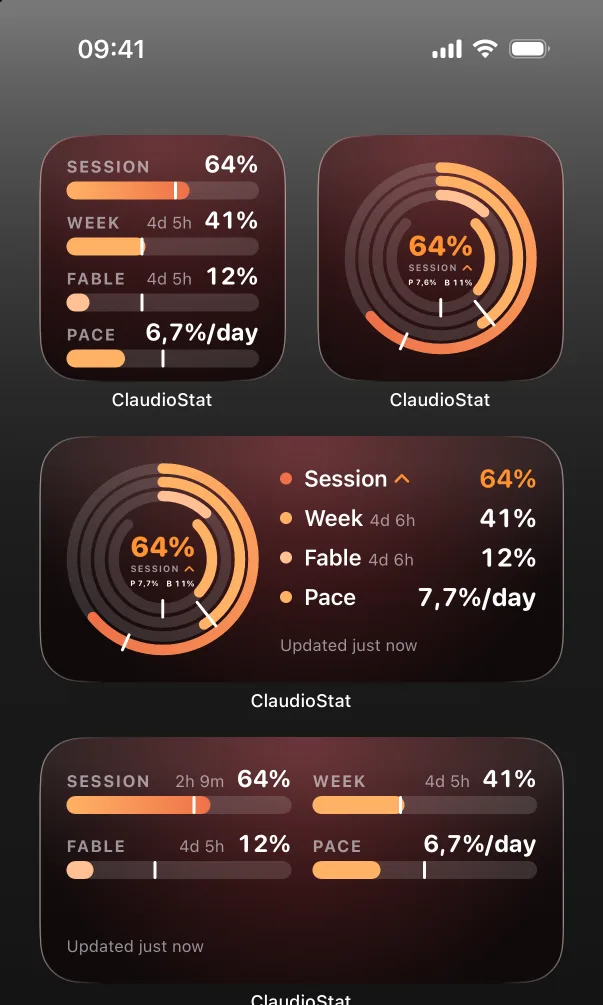
On the home screen
Eight widgets: session and week, with or without Fable, with or without pace and budget, each in rings or bars. They read your numbers on their own about every 15 minutes, even when the app is closed.
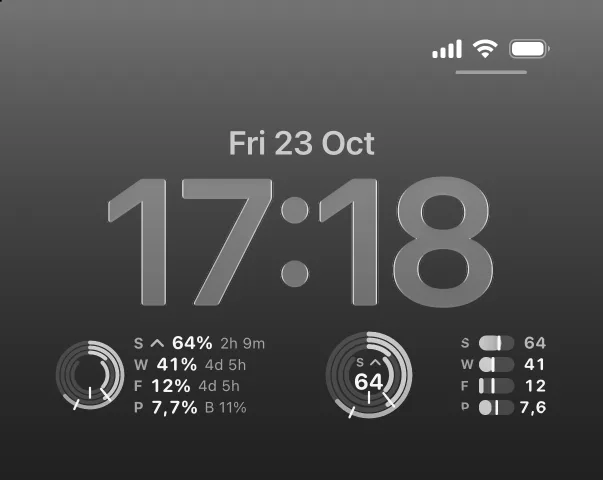
On the lock screen
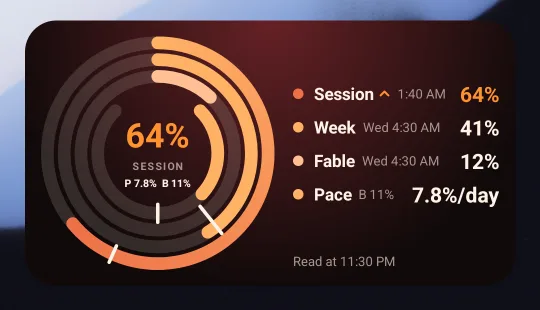
Every widget also comes for the lock screen, small and wide. The wide ones list each limit with its reset; the small ones keep the same rings or bars.
On your wrist
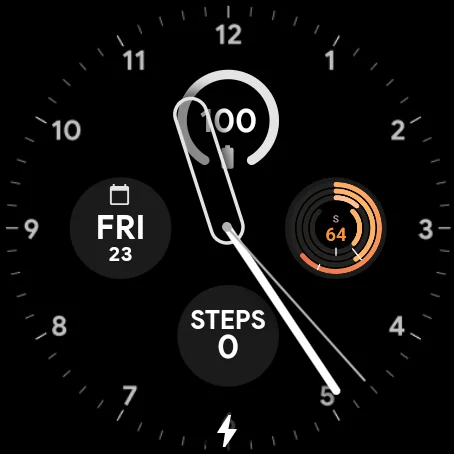
The watch logs in through your phone once, then reads its own numbers.
Apple Watch
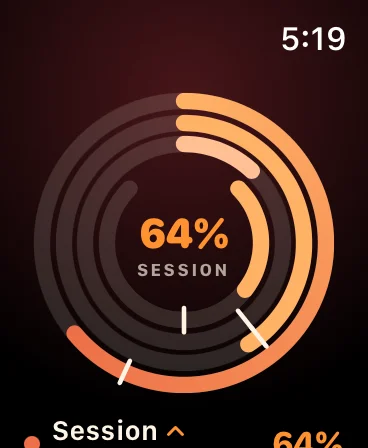
Wear OS
Android too
The same app on Android, with a home screen widget and, if you want them, your numbers in a quiet notification on the lock screen.
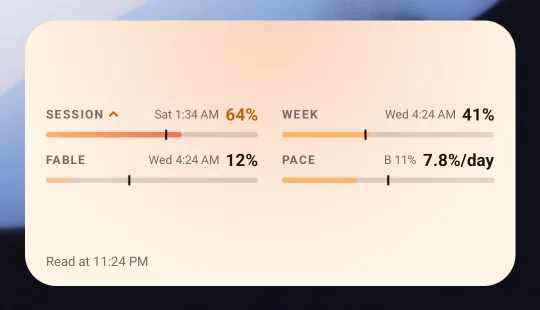
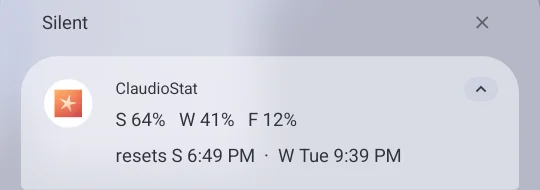
What the letters mean
- S
- Session. Your 5-hour limit, and the time until it resets.
- W
- Week. Your weekly limit, and when it resets.
- F
- Fable. The weekly limit for Fable, shown once you use it.
- P
- Pace. How fast you are using your week, per day or per hour.
- B
- Budget. The pace that lasts exactly until the week resets. Pace above it turns orange, twice above it red.
How it works
- Open the app and tap Log in with Claude.
- Sign in on Claude's page. It shows a code; copy it.
- Paste the code in the app. Your numbers appear, and your watch gets them too.
The numbers come straight from your Claude account when you open the app or a widget refreshes. Nothing needs to run on a computer. The login can read your usage only; it cannot send prompts or use Claude's models.